What is Dokman
Purpose
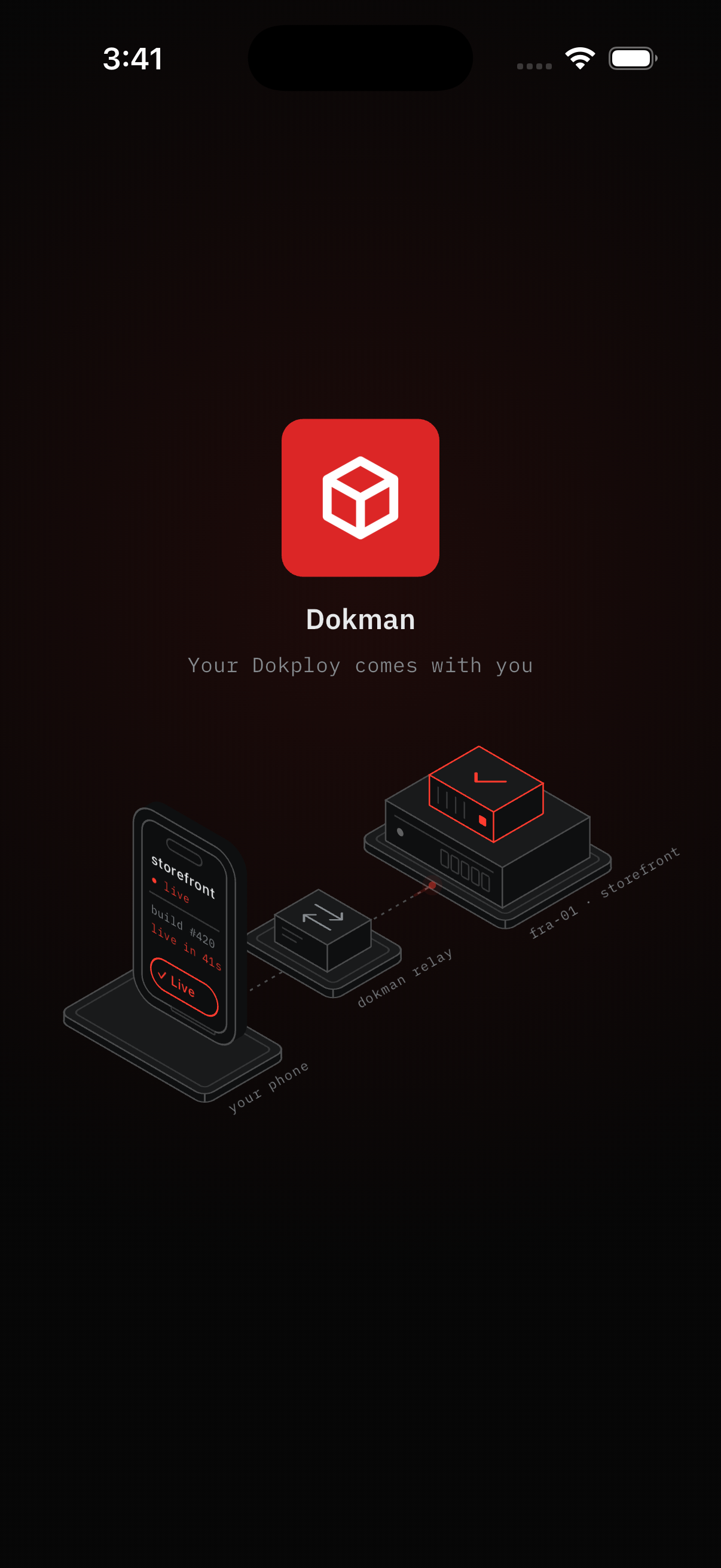
Dokman is the mobile and desktop companion for your self-hosted Dokploy. It shows the same projects, services, databases, and deployments you already manage in Dokploy - with the same permissions - plus phone-friendly extras: scoped push alerts, one-tap fixes, and a secure container terminal (Pro).
You run Dokploy on your own server. Dokman brings it to your phone, so you can check health, restart a service, or watch a deploy without opening your laptop.
 Dokploy remains the source of truth at all times.
How it fits together
- You sign in to Dokman with your Dokploy address and login.
- Dokman talks to your Dokploy server on your behalf, using your own access.
- When something happens in Dokploy (a deploy finishes, a backup completes, a threshold is hit), Dokploy tells Dokman, and you get a notification - but only for projects you already have access to. Set this up once in Webhook Setup.
If something is admin-only in Dokploy, it's admin-only here too. If you can't see a project in Dokploy, you won't see it in Dokman. That scoping is intentional - Dokman never bypasses your Dokploy roles.
What you can do
Dokman covers the tasks you open Dokploy for most often:
- See what's happening - projects and environments grouped the way you set them up in Dokploy
- Manage apps - check status, edit environment variables, review domains, or trigger a deploy
- Handle databases and Compose - Postgres, MySQL, MariaDB, Mongo, Redis, and full Compose stacks
- Follow deployments - see what's queued, what's running, and read the logs as they stream
- Keep an eye on the server - CPU, memory, and disk at a glance (admins get the full server list)
- Backups and metrics - trigger a backup or grab a metrics token when you need it
- Stay notified - get a push when a deploy finishes or a server needs attention, and control what notifies you
- Let an AI assistant help - connect Cursor, Claude, or ChatGPT over MCP and it works with your Dokman permissions, not around them (Connect an AI Assistant)
- Go further with Pro - more workspaces, the container terminal, alert rules with mutes and quiet hours, and log sharing (Subscription)
Platforms, languages, and data
Dokman runs on iPhone, Android, and desktop web browsers - same login, same data everywhere. The interface is available in English and Arabic.
Dokman signs you in without keeping your password. Your projects, code, and databases stay on your Dokploy; Dokman only displays what your account may see. The full policy is in the Privacy Policy.