Troubleshooting & FAQ
Purpose
Answers to the questions that come up most, the error-code table, and a fixed order for debugging the two big ones (no pushes, no metrics). When nothing here helps, the support contacts at the bottom close the page.
FAQ
Do I need a Dokploy server first?
Yes. Dokman connects to a Dokploy server you already run. It doesn't host Dokploy for you.
Can I use Dokman without notifications?
Yes. Browse projects, trigger deploys, and read logs - you just won't get pushes until the webhook is on (Webhook Setup).
Why can't I see a project my teammate sees?
Dokman only shows what your Dokploy account can see. If you're not a member of that project in Dokploy, it won't show up here.
Why did my teammate get a push and I didn't?
Usually you turned that category off in Notifications, or the push was for a project you don't have access to.
Is my password saved?
No. Dokman signs you in without keeping your password, and keeps you signed in on your phone.
Which Dokploy versions work?
Any recent Dokploy version works. On very old versions automatic webhook setup can't run: copy the endpoint and secret by hand into Dokploy, then Notifications, then Custom.
A button I need isn't there?
Dokman hides actions you're not allowed to use instead of showing errors. New project needs Pro plus the create grant; admin screens (Servers, Backups, Metrics Token, Alert Thresholds, Push setup) need the Dokploy admin role; Delete needs write access on that project; triggering backups and removing domains additionally need Pro; the container Terminal needs Pro, with containers following your Dokploy access. Check plan and role first.
Which platforms and languages are supported?
iPhone, Android, and desktop web browsers, with the same login everywhere. The interface is English and Arabic.
Payment stuck on pending?
Open Settings → Subscription and tap Resume to continue the open order instead of paying twice. The app also re-checks automatically when it returns to the foreground.
How do I delete my account?
Settings → Security → Delete account, then Request via email. Support deletes your servers, devices, and history and confirms within 30 days. Full walkthrough in Account & Security.
Error codes
| You see | What it means | Try this |
|---|---|---|
| Sent back to Setup / session-expired message | Your sign-in lapsed or was revoked | Sign in again (check your phone's clock too) |
| "Upgrade to Pro to continue" (or an upgrade sheet) | That action needs Pro | See Subscription; trial users already have it |
| Address error on the Setup screen | The URL is missing https:// or has a typo | Use the full address, like https://dokploy.example.com |
| "Too many attempts" (often on email resend) | Burst protection tripped | Wait about 15 minutes and try again |
| An action fails with a server error | Dokploy refused or errored | Retry once; check Dokploy's own dashboard and logs |
| Old Dokploy, webhook won't auto-setup | Version too old for one-tap relay | Update Dokploy, or paste endpoint + secret by hand into Dokploy, then Notifications, then Custom |
Fix flows
Address rejected on the Setup screen
You probably missed https:// or made a typo. Use a full address like https://dokploy.example.com.
It keeps sending me back to Setup
Your sign-in expired. Sign in again, and check your phone's clock is correct (a wrong date can break logins).
I picked the wrong organization
Sign out and sign back in - the organization picker appears on every login. Dokman will reconnect to the one you choose.
I'm not getting pushes
Run through this order:
- In Dokman, Settings, then Notifications, then Push setup. Does it say Enabled (or
connected)? - Settings, then Notifications, then Push events. Is Push Enabled on, and the right category (Deployments, Backups, Alerts) on?
- Pro still active? Push delivery needs Pro past the trial - check Settings → Subscription.
- On your phone, Settings, then Dokman, then Notifications. Are notifications allowed?
- If you control the Dokploy server, make sure it can reach the internet. That's how it sends events to Dokman.
Still quiet? If deploys never notify you but server alerts do, your Dokploy account likely can't see that project.
Deploy or logs look wrong
- Deploy button does nothing - Dokploy returned an error. Look for the toast message and check Dokploy's dashboard.
- Log says "not found" - that deployment was cleaned up, or you opened an old link from History.
- Cancel isn't there - not every deploy can be cancelled. That's a Dokploy rule.
Setting up health metrics
Until a metrics token is configured, the Dashboard shows a setup banner over the health card. Admins get a Set up button in the banner (or go to Servers & Metrics anytime) to fetch or generate the token, after which the CPU, Memory, and Disk rings appear.
Still stuck?
- Settings → Support has everything in one place: the support email address, this user guide, the privacy policy and terms, and the app version. The User Guide row opens this guide in your browser.
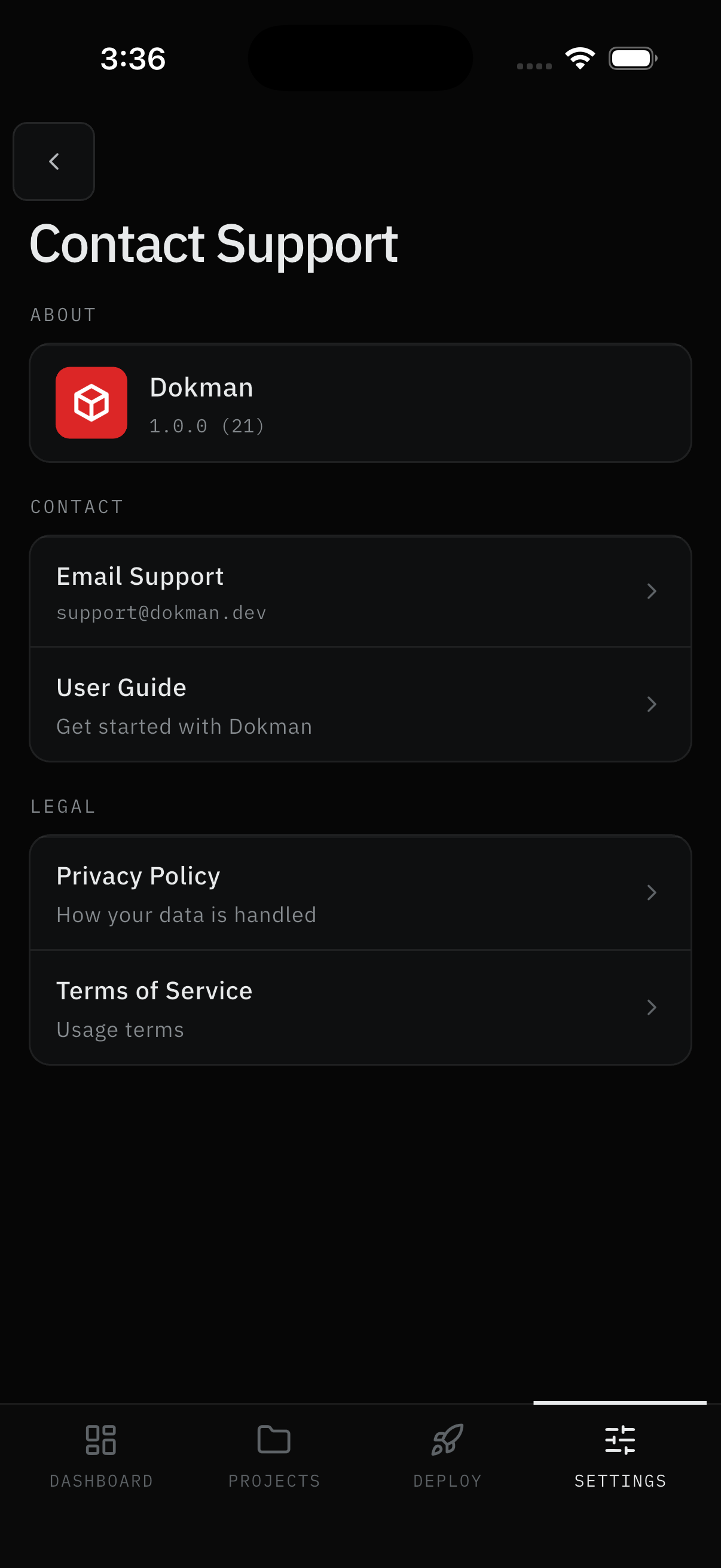
- Contact support with your Dokploy address, app version, and the error code from the toast, but don't share your secret.